

Transform Your Workspace: Essential Home Office Lighting Tips for Productivity
Working from home is pretty common these days, so making your home office a good place to be is a big deal. We often focus on the desk and chair, but what about the light? It's easy to overlook, but the right home office lighting can really change how you feel and how much you get done. This guide is here to help you sort out your lights so your workspace is more comfortable and productive.
Key Takeaways
- Make sure you have different types of light: general room light, focused light for your tasks, and some decorative light.
- LED bulbs are a good choice because they save energy, last a long time, and come in many brightness and colour options.
- Lights that you can adjust, like dimmers, let you change the light level for different times of day or tasks.
- Try to use natural light from windows, but be smart about it to avoid glare on your screen.
- Pick lights that look nice and fit in with the rest of your home's style, not just ones that are functional.
Maximise Your Home Office Lighting
Getting your home office lighting right is more important than you might think. It's not just about being able to see your keyboard; good lighting can genuinely affect your mood, your energy levels, and ultimately, how much you get done. Let's look at how to make the most of the light you have.
Harnessing Natural Light For Well-being
Natural light is a real game-changer for any workspace. Opening your curtains and letting the sunshine in can make a huge difference to how you feel. It's not just about brightness; daylight is proven to boost your mood and energy, helping you feel more alert. The best way to use it is to position your desk so that the light comes from the side. If it comes from directly in front, it can cause glare on your screen, and if it's behind you, it can create shadows on your work. Ideally, a window to your left or right is perfect.
- Position your desk near a window.
- Ensure natural light hits your workspace from the side.
- Use blinds or curtains to control intense sunlight and prevent glare.
Making the most of natural light is a free and effective way to improve your working environment. It costs nothing and can significantly reduce eye strain and fatigue throughout the day.
Position Your Desk Wisely
Where you put your desk in relation to windows and any artificial light sources is key. Think about the flow of light. If you're lucky enough to have a room with plenty of natural light, try to place your desk so you can benefit from it without being blinded by it. This might mean your desk isn't directly facing the window, but rather at an angle. Consider how light falls at different times of the day. Sometimes, a slight shift in position can make a big difference to comfort and productivity. If natural light is limited, this step becomes even more about strategically placing your artificial lights, which we'll cover next.
Layering Your Home Office Lighting
Think of your home office lighting like building a good meal – you need different elements to make it work. Just one single light source, like a bright overhead bulb, often isn't enough. It can leave some areas dark and others too harsh. Layering means using a few different types of light to create a balanced, comfortable, and functional space. It's about making sure you have enough light to see clearly without straining your eyes, and also creating a pleasant atmosphere.
The Power Of Ambient Illumination
Ambient lighting is the general, overall light in your room. It's the foundation. Usually, this comes from ceiling fixtures, like a flush mount light or a simple pendant. The goal here is to provide a soft, even glow that fills the space and stops you from feeling like you're working in a cave. It reduces the stark contrast between bright spots and dark corners, which is much easier on your eyes over long periods. Good ambient light makes the whole room feel more welcoming and less like a temporary setup.
Essential Task Lighting For Focus
This is where you get specific. Task lighting is all about directing light precisely where you need it for detailed work. Your desk lamp is the star here. You want something you can adjust – move the arm, tilt the head – so you can shine a bright, focused beam right onto your documents, keyboard, or whatever you're working on. This kind of light is key for concentration and preventing eye fatigue when you're deep in a project. It's the difference between squinting at a page and seeing every detail clearly.
Adding Accent Lights For Warmth
Accent lighting is more about mood and style. Think of small lamps on shelves, a wall sconce, or even LED strip lights tucked away. These aren't for doing serious work; they're for adding a bit of character and warmth to the room. They can highlight artwork, plants, or architectural features. Using accent lights can make your workspace feel more like a part of your home, a place you actually enjoy being in, rather than just a functional box. It adds depth and visual interest, making the space feel more complete and inviting.
Layering your lighting isn't just about having enough light; it's about creating different zones and moods within your workspace. It allows you to adapt the illumination to suit the task at hand, the time of day, and your personal preference, ultimately making your home office a more productive and pleasant environment.
Choosing The Right Home Office Bulbs
So, you've got your lighting layers sorted, but what about the actual bulbs? It might seem like a small detail, but the type of bulb you choose can really make a difference to how you feel and how much you get done. It's not just about screwing in any old light with a bulb; there's a bit more to it.
Understanding Colour Temperature
This is all about the 'colour' of the light itself, not the colour of the bulb's casing. It's measured in Kelvin (K). For a home office, you generally want something that mimics natural daylight to keep you alert and focused. Think of bulbs in the 4000K to 5000K range – this is often called 'cool white' or 'daylight'. It helps reduce that sleepy feeling you might get from warmer, yellower lights (which are usually below 3000K and better suited for living rooms).
- 4000K - 5000K: Ideal for focus and alertness, mimicking daylight.
- Below 3000K: Warmer, more relaxing light, but can make you feel drowsy.
- Around 3000K: Neutral white, a good middle ground if you find cooler temperatures too harsh.
Achieving Optimal Brightness
Brightness, or lumens, is another key factor. You need enough light to see clearly without straining your eyes. A good rule of thumb for task areas is around 500 lux (which is roughly 50 lumens per square foot). This doesn't mean every single light source needs to be super bright; it's about achieving that level across your desk and immediate work area. You can get this from a combination of your main room light and a good desk lamp. Don't be afraid to go a bit brighter if your work involves fine details or reading lots of text.
The Benefits Of Energy-Efficient LEDs
When you're looking for replacement bulbs, you'll almost certainly be looking at LED light bulbs. They've really taken over, and for good reason. They use significantly less electricity than older types of bulbs, which means lower energy bills – always a win. Plus, they last for ages, so you won't be constantly swapping them out. Another big plus is that they produce much less heat, which can help keep your workspace more comfortable, especially if it's a smaller room. You can find LED bulbs in pretty much any colour temperature and brightness you need now, making them super versatile. They might cost a little more upfront, but the savings over their lifespan are substantial.
Choosing the right bulbs isn't just about function; it's about creating an environment that supports your well-being and productivity. Think about how the light makes you feel and adjust accordingly.
Eliminating Glare And Shadows In Your Workspace
It's easy to overlook how much glare and shadows can mess with your concentration. You know, when the light bounces off your screen in just the wrong way, or your own hand casts a big shadow over your notes? It's not just annoying; it can really tire out your eyes and make you feel less productive. Getting this right is pretty important for a comfortable workspace.
Correct Lamp Placement To Avoid Glare
Think about where your light sources are in relation to your computer screen and your own position. If a lamp is directly behind you, it's almost guaranteed to create a bright reflection on your monitor. That's not helpful for anyone. Instead, try positioning your main desk lamp to the side of your work area. This way, the light falls on your desk or documents without directly hitting your screen or causing you to squint.
Using Diffused Light Sources
Harsh, direct light can be just as bad as glare. It creates sharp contrasts and can be quite jarring. Using lampshades, especially those made from frosted glass or fabric, helps to soften the light. They spread it out more evenly, making the overall illumination gentler on your eyes. You can also achieve a similar effect by bouncing light off walls or ceilings with upward-facing lamps. This creates a more ambient, less direct light that fills the room nicely.
Consider An Anti-Glare Screen
Sometimes, no matter how you position your lights, you still get reflections on your computer screen, especially if you have a very glossy monitor. In these cases, an anti-glare screen protector can be a lifesaver. These screens have a matte finish that breaks up reflections, making it much easier to see your work without straining your eyes. It's a simple addition that can make a big difference, particularly if your workspace gets a lot of natural light or has multiple artificial light sources.
Optimising Your Desk Lamp For Productivity
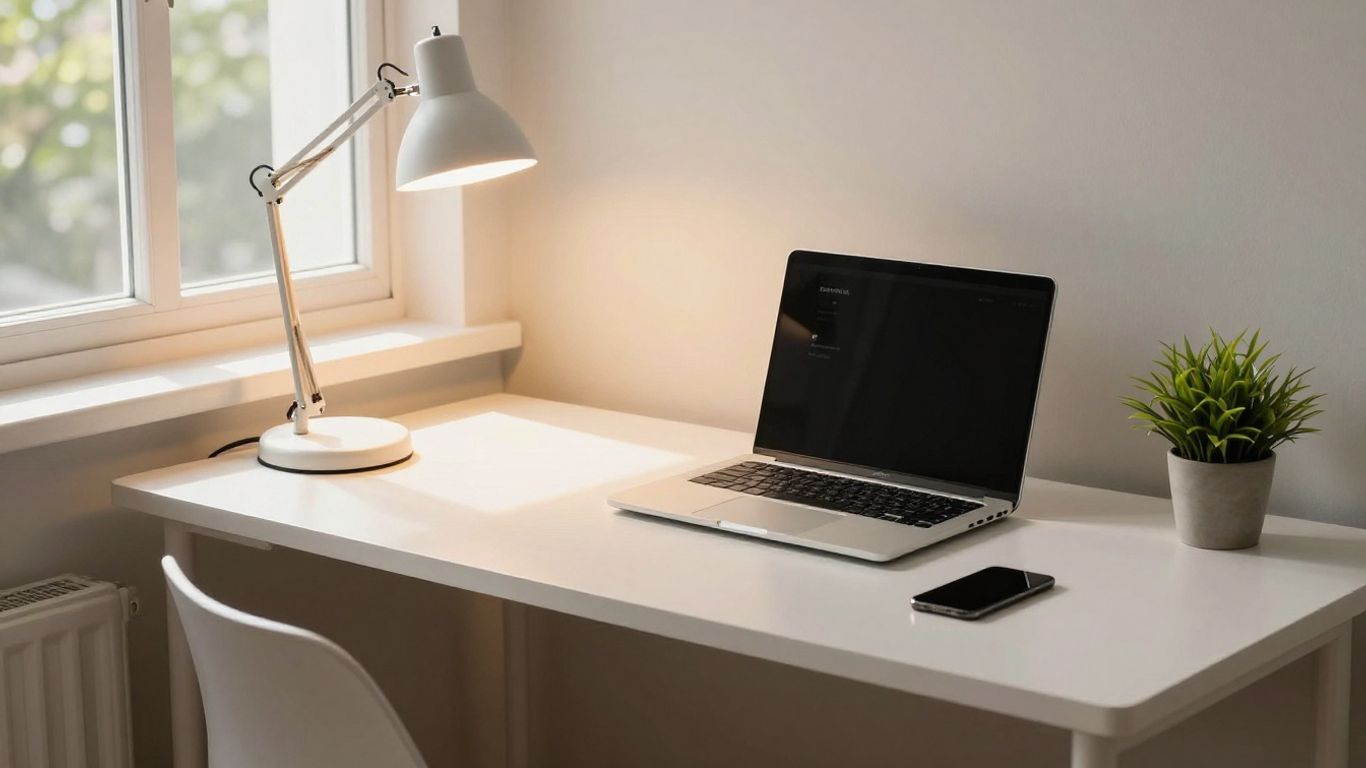
Your desk lamp is more than just a desk accessory; it's a tool that can really impact how well you work. Getting it set up right means less eye strain and better concentration. It’s easy to just grab any lamp, but a little bit of thought can make a big difference.
Adjusting Height And Angle For Task Focus
Once you've figured out where to put your lamp, the next step is to get the height and angle just right. You want the light to shine directly onto what you're working on – whether that's a book, a notepad, or your keyboard – without blinding you or creating deep shadows. An adjustable lamp, perhaps one with a flexible arm or a bendy neck, is incredibly useful here. Try to position the lamp head roughly 15 to 36 inches above your desk surface. This usually gives you a nice spread of light without it being too intense.
Choosing Lamps That Complement Your Decor
While it's important for your desk lamp to be functional, it also plays a part in how your workspace looks and feels. You don't want something that looks out of place. Think about the overall style you're aiming for. For modern, minimalist spaces, a sleek LED desk lamp with clean lines might be the ticket. If your office is more traditional or cosy, a lamp with a fabric shade or a classic metal finish could work better. It's about finding a balance between a practical item and something that makes your workspace feel more welcoming and personal. After all, you're spending a lot of time there, so it should feel right.
Here’s a quick guide to lamp types and their benefits:
- Adjustable Arm Lamps: Great for directing light precisely where needed, perfect for detailed tasks.
- Gooseneck Lamps: Offer maximum flexibility for bending the light source into awkward spots.
- Swing Arm Lamps: Provide a wider reach, ideal for larger desks or when you need light over a broader area.
- Desk Clamps: A space-saving option that attaches directly to your desk, freeing up surface area.
Getting the height and angle right is key. Too high and the light might spread too thinly; too low and you risk glare or harsh shadows. Experiment to find what works best for your specific setup and tasks.
Smart Home Office Lighting Solutions
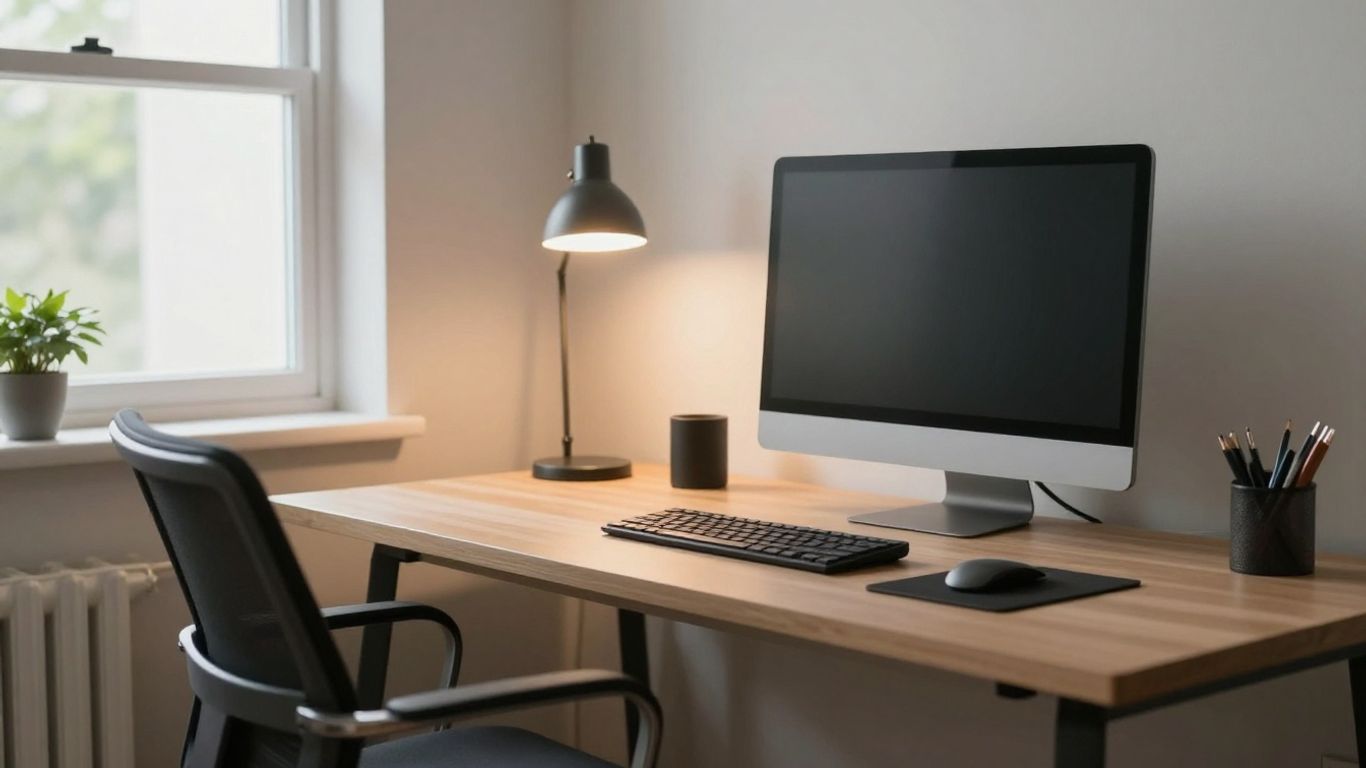
Utilise Dimmers For Adaptability
Think about how often your lighting needs change throughout the day. You might need bright, focused light when you're deep into a project, but something softer and more relaxed for a video call or when you're just checking emails. This is where dimmers really come into their own. Being able to adjust the brightness of your lights means you can tailor the atmosphere to whatever you're doing. It’s not just about saving energy, though that’s a nice bonus; it’s about creating a more comfortable and productive environment. You can go from a vibrant, energising light in the morning to a calming glow in the afternoon, all with a simple flick or slide. Many modern LED bulbs and fixtures are designed to be dimmable, so it’s worth looking out for this feature when you're shopping for new light bulbs or lamps. It gives you a lot more control over your workspace.
Explore Smart Lighting Features
Smart lighting takes the adaptability of dimmers a step further. These systems connect to your home network, allowing you to control your lights via a smartphone app, a tablet, or even voice commands. Imagine being able to turn on your office lights as you walk into the room, or adjust the brightness without getting up from your desk. You can often set schedules, so your lights come on and off automatically, mimicking a presence when you're away or simply waking you up gently with a gradually increasing light. Some smart bulbs even allow you to change the colour temperature, shifting from a cool, energising white light during work hours to a warmer, more relaxing tone in the evening. This level of control can really make your workspace feel more dynamic and responsive to your needs.
Smart lighting isn't just about convenience; it's about creating a workspace that actively supports your well-being and productivity. By integrating adjustable brightness and colour temperature, you can fine-tune your environment to match your tasks and energy levels throughout the day, reducing eye strain and improving focus.
Here are some ways smart lighting can help:
- Remote Control: Adjust lights from anywhere using your phone.
- Scheduling: Set lights to turn on or off at specific times.
- Scene Setting: Create custom lighting moods for different activities (e.g., 'Focus Mode', 'Relax Mode').
- Voice Activation: Control your lights hands-free with voice assistants.
- Colour Temperature Adjustment: Switch between cool and warm light to suit the time of day or task.
Smart lighting can make your home office much better. With the right lights, it’s easier to focus and get your work done. You can even pick lights that change colour or brightness, so your room always feels just right. Ready to boost your workspace? Visit our website now to find simple smart lighting ideas for your home office.
Wrapping Up Your Workspace Lighting
So, there you have it. Getting your home office lighting sorted isn't just about making the place look nice, though that's a bonus. It's really about making your workday smoother and less tiring. By mixing up your lights – a bit of general light, some focused light for your tasks, and maybe a touch of something extra – you can really change how you feel when you're working. Don't forget about using natural light when you can and picking bulbs that suit you. A bit of effort here can make a big difference to your focus and overall mood. Give it a go, your eyes (and your productivity) will thank you.
Frequently Asked Questions
Why is good lighting so important for my home office?
Good lighting is like a superpower for your workspace! It helps you concentrate better, stops your eyes from getting tired, and can even make you feel happier and more energetic. Imagine trying to read a book in a dark room – it's tough, right? The same goes for working. The right lights make it easier to see, reduce headaches, and generally make your workday more pleasant and productive.
What's the difference between ambient, task, and accent lighting?
Think of it like layers on a cake! Ambient lighting is the base layer – it's the main light that fills the whole room, like a ceiling light. Task lighting is the focused light you need for specific jobs, like a desk lamp for reading or typing. Accent lighting is the decorative touch, like a small lamp highlighting a picture or shelf, adding a bit of style and warmth.
How can I use natural light to my advantage?
Natural light from windows is brilliant! Try to position your desk so the light comes from the side, not directly in front or behind your computer screen. This stops annoying glare on your monitor and makes it feel more natural and less tiring for your eyes. Plus, sunshine is great for your mood!
What kind of light bulbs should I choose?
For work, it's best to pick bulbs that are a bit 'cooler' in colour, kind of like daylight. These usually have a number around 4000K to 5000K. They help you feel more awake and focused. Also, LED bulbs are a fantastic choice because they save energy, last a very long time, and don't get too hot.
How do I stop glare and shadows from bothering me?
Glare is that annoying reflection on your screen, and shadows can make it hard to see. To avoid glare, don't place lights directly in front of or behind your screen. Putting your desk lamp to the side is usually best. Using lampshades or lights that bounce light off walls can help soften the light and get rid of harsh shadows, making everything feel more even and comfortable.
Are smart lights and dimmers worth it for a home office?
Definitely! Dimmers are like a volume control for your lights – you can make them brighter when you need to focus or softer when you want a more relaxed vibe. Smart lights can do even more, like changing colour or turning on and off automatically. They give you lots of control to adjust your lighting throughout the day, which can really help with comfort and productivity.

